

Welcome to Ultimate Tech Hub, your go-to destination for expert tech advice, hands-on tutorials, and in-depth product reviews. Whether you're looking to optimize your home network, find the best Wi-Fi routers, install Ethernet cables, or explore the latest in gaming gear and smart home technology, this channel has you covered. With step-by-step guides, unbiased buyer’s recommendations, and troubleshooting tips, Ultimate Tech Hub breaks down complex tech topics in a clear and approachable way. Stay ahead of the curve with the latest advancements in networking, PC building, and consumer electronics – all designed to make your tech life easier, faster, and more efficient.

Fixing Plex remote access and network issues in 2025 doesn\'t have to be a nightmare. In this video, I\'ll show you step-by-step ...

This video shows How To Port Forward a PS5 - Quick & Easy! You can get better performance on PS5 easily, if you Port Forward it ...

Discover the top 5 wireless routers for 2025 and 2026, including Wi-Fi 6, Wi-Fi 6E, and Wi-Fi 7 gaming and mesh systems, with real speed tests, key features, and buying tips for every home.

Learn how to install Cat6 Ethernet cables through walls and attic for a wired home network. Step-by-step guide with tools, wiring tips, and best practices for clean cable management.
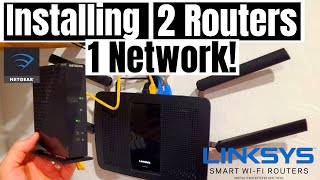
Learn the easiest way to set up two routers on one network. Configure IP addresses, Wi-Fi settings, and avoid conflicts for seamless home networking. Step-by-step guide for beginners.

Learn how to install a USB webcam on your desktop computer. Step-by-step guide for setup, mounting, and testing on curved and flat monitors with plug-and-play functionality.

Find out if you can and should place a switch between your modem and router. Learn why a router is essential for security, network management, and proper internet connectivity.
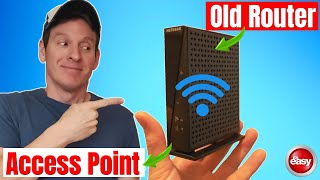
Learn how to repurpose an old router into a wireless access point to extend your WiFi coverage. Follow step-by-step instructions to set up a reliable home network with LAN and WiFi.
Learn the easiest way to set up two routers on one network. Configure IP addresses, Wi-Fi settings, and avoid conflicts for seamless home networking. Step-by-step guide for beginners.